

Here's a confession from the SEO half of the studio: the most useful hour of any redesign has nothing to do with design. No colors, no fonts, no mood boards, just a blank page and five questions. [Perri would like it on the record that she has strong feelings about mood boards. They get their turn later in the project.]
That hour is the strategy, and everything after it is building. Skip it, and you're asking a designer to make a hundred decisions you haven't made yet. That's how a redesign ends up looking great and doing exactly what the old site did.

What Is a Website Redesign Strategy, and How Is It Different From a Plan?
A strategy decides what the new site is for. A plan decides who does what by when. You need both, but the strategy comes first, because a project plan for the wrong website is still the wrong website, just on schedule.
If you want the plan side, our website redesign checklist covers the project plan template and the SEO steps that keep your rankings intact. This post is the step before that one: the five decisions that tell everyone what to build.
None of them need a designer in the room. [Designers, please don't take that personally. You'll get the room back.]
Decision 1: What Should the New Site Actually Do?
Pick one main job for the site and write it as a sentence you could check later. One job, stated plainly, with something you could count.
| Sounds Like a Vibe | Sounds Like a Goal |
|---|---|
| "It looks old" | "More booked calls from the website than we get now" |
| "We want it to pop" | "Fewer phone calls asking for our hours and prices" |
| "Make it more modern" | "Donors can give in under a minute, on a phone" |
Most owners start with "it looks old," which is true and not a goal. [It's a feeling. Feelings are valid. Feelings are not a project brief.]
"Looks old" tells a designer something is wrong, but not what to aim at. So every choice after that gets made on taste, and taste alone is how you get a beautiful site that converts exactly like the one it replaced.
The test for a good goal: six months from now, could two people look at the same numbers and agree on whether it happened? If yes, you have a goal. If the honest answer is "it'll feel more modern," you have a vibe, and the checklist post has some thoughts about vibes.
Decision 2: Who Is the Site Actually For?
Name one person. Not "small businesses" or "families in the area," but one person: who they are, what they're worried about, and what they typed into Google right before they found you.
| Too Broad | Specific Enough to Write For |
|---|---|
| "Small businesses" | Someone planning a birthday who searched "custom cake order near me" |
| "Families in the area" | A parent comparing summer camps on their phone after the kids are asleep |
| "Anyone who needs us" | A nonprofit director who has to show the board the website is working |
This matters more than it sounds like it should, because people don't read websites, they scan them. Nielsen Norman Group found that visitors read at most 28% of the words on an average page, and 20% is more likely. [If you've read this far, thank you. You're statistically remarkable.]
If a fifth of your words are all most people see, those words had better be written for a specific person, not for everyone at once.
Once you've named them, every page gets a simple filter: would this person care about this section? If not, it's either in the wrong place or it's there for you, not them. [The "Our History" page that runs three screens long is usually there for you. We say that with love.]
Decision 3: Which Pages Do You Keep, Fix, or Cut?
List every page on your current site, then mark each one: keep, fix, merge, or cut. This is the easiest decision to skip, and it decides whether your Google traffic survives the redesign.
Start with what's working. Google Search Console, which is free, shows which pages people find you through.
Those pages aren't old content. They're the reason anyone shows up at all, so they stay or get better. [Throwing out your best-ranking page because the font is wrong is a very expensive way to redecorate.]
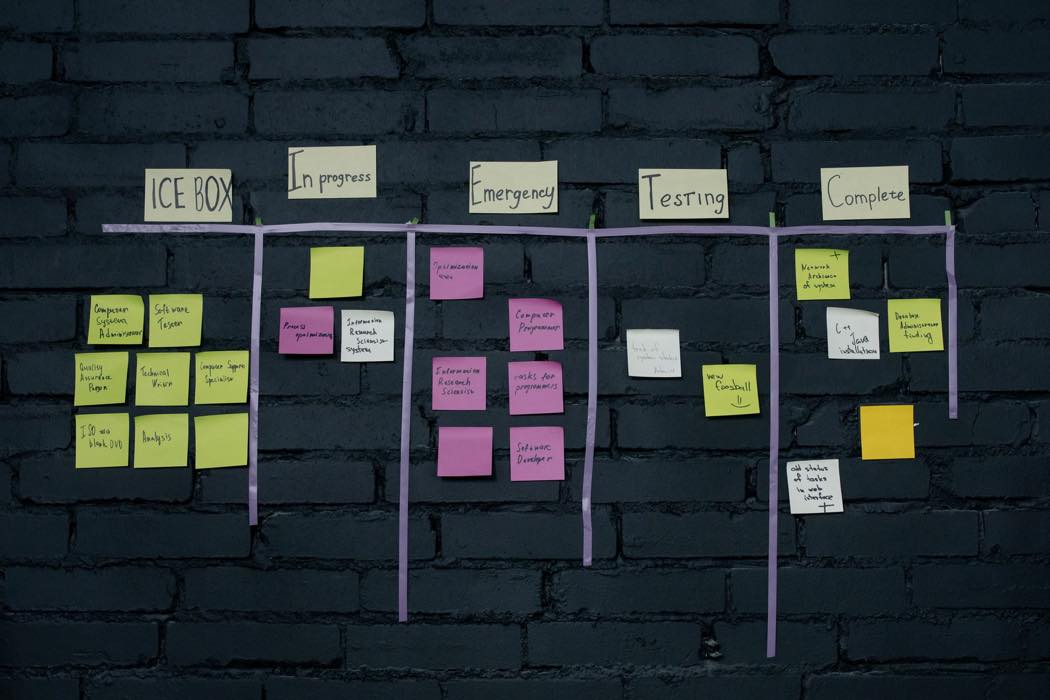
Then comes the honest part. Pages nobody visits and nobody misses can merge into a stronger page, or go. Pages with outdated details get fixed.
Any page whose web address changes needs a permanent redirect from the old address to the new one, which is what Google's own guide to site moves recommends for carrying your rankings over. The checklist post walks through that step by step. For the strategy, you just need the list, with a mark next to every line.
Not sure which of your pages are bringing people in? That's one of the first things we look at in a Strategy Session, before anyone touches a design.
Decision 4: What's the Path From First Click to Contact?
Decide what you want a visitor to do, then make sure every page points to it with one main button. Not five. One.
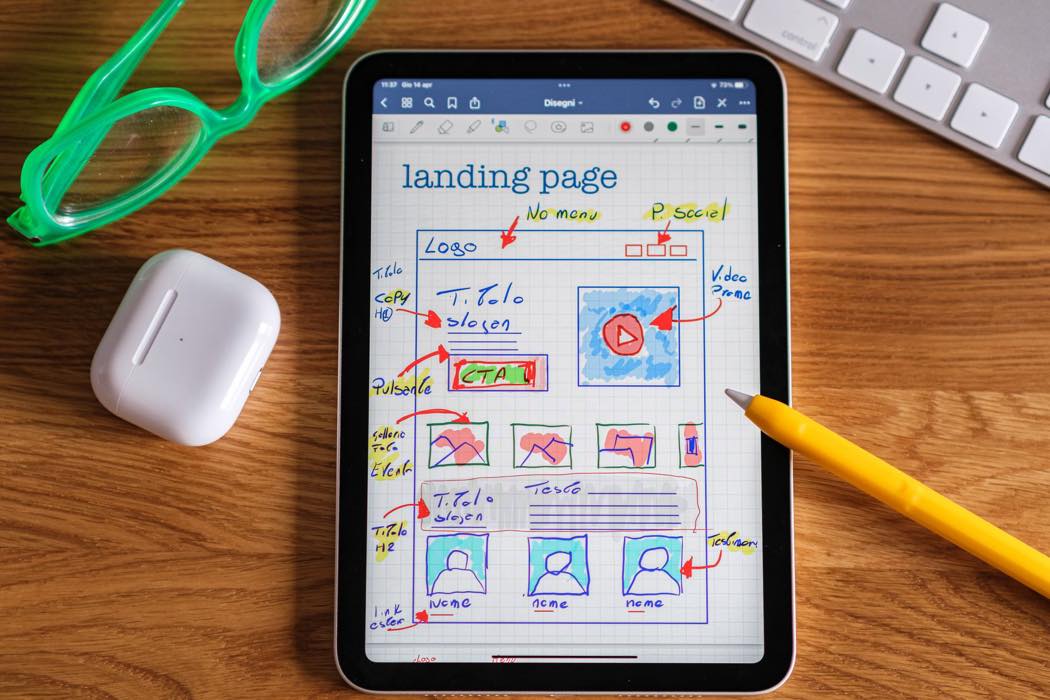
You don't get long to make your case. Nielsen Norman Group's research found that people often leave a page within 10 to 20 seconds, and the pages that hold them make it obvious what they're for.
So sketch the path before anyone designs it. Someone lands on a service page from Google, sees what you do and who it's for, and finds the one thing to click next.
Two or three steps on a napkin is plenty. [A real napkin works. We don't judge the napkin.]
Then look hard at the form at the end of that path. The best-designed site in the world still loses people at a form that asks for their life story. Ask for what you need to follow up, and save everything else for the conversation.
Decision 5: How Will You Know If It Worked?
Write down today's numbers before anything changes: visits, form submissions or calls that come from the site, and where your main pages show up on Google. Then put a date on the calendar about 90 days after launch to compare.
The "before" numbers are the ones everyone forgets, because before launch nobody is thinking about after launch. [Before launch, everyone is thinking about the logo. It's fine. It's a nice logo.]
Without those numbers, "the new site is doing great" is just a feeling with better fonts.

Why 90 days and not launch week? The first few weeks after any launch are noisy while search engines re-read the site and regular visitors get used to it. That's our working rule from practice rather than an official Google number, but it keeps you from celebrating or panicking too early.
The goal from Decision 1 tells you which number to watch. This step makes sure you have something to compare it to.
Should You Redesign at All?
Sometimes the answer is no, and it's worth saying before you spend the money. [Yes, we build websites for a living. We'd still rather you not redesign one you don't need to.]
| What's Going On | What Usually Fixes It |
|---|---|
| People find the site but don't contact you | A clearer homepage and a better contact page, not a whole new site |
| The site works, but nobody finds it | Search work (SEO). A redesign won't solve this on its own |
| Two or three pages are the problem | Fix those pages |
| The site can't do the job from Decision 1, however you patch it | A full redesign: the structure fights you, it's painful on a phone, or it no longer describes what you do |
If you're not sure which row you're in, our post on the real benefits of a website redesign covers what a redesign changes. That makes it easier to judge whether you need those changes or just a few good fixes.
Should You Plan for AI Search While You're at It?
Yes. If you're rebuilding the pages anyway, build them so AI tools can quote you. A growing number of people ask ChatGPT, Gemini, or Google's AI Overviews before clicking a link, and those tools tend to pull from pages that answer questions plainly.
In practice, that comes down to three habits. It's how we write our own site, too.
| The Habit | What It Looks Like on the Page |
|---|---|
| Answer first | A short, direct answer near the top of each key page, before the detail |
| Question-shaped headings | Headings phrased the way people actually ask, like "How much does a redesign cost?" |
| A real FAQ | Four to six questions people really ask, on the pages where they ask them |
It's practitioner consensus rather than a rulebook the AI companies have published, but it costs nothing extra when you're writing the pages anyway. [This post, for example, is doing all three right now. Hi.]
What we see in the field
Here's why we start here: a redesign goes faster when the owner can answer these five questions before the first mockup. The one that most often gets left open is Decision 3.
If nobody decides what happens to the old pages, the design ends up bending around content that was supposed to be gone. So we start with this one-page strategy, because it's a lot cheaper to argue with a list than with a finished homepage.
None of this makes a redesign complicated. It makes it shorter, because the debates happen on one page instead of across six rounds of mockups. [Fewer rounds of mockups is also better for everyone's blood pressure, ours included.]

If you'd like help making these five decisions and then building the site around them, that's exactly how our Website Design & Redesign Services work: strategy first, then design.