
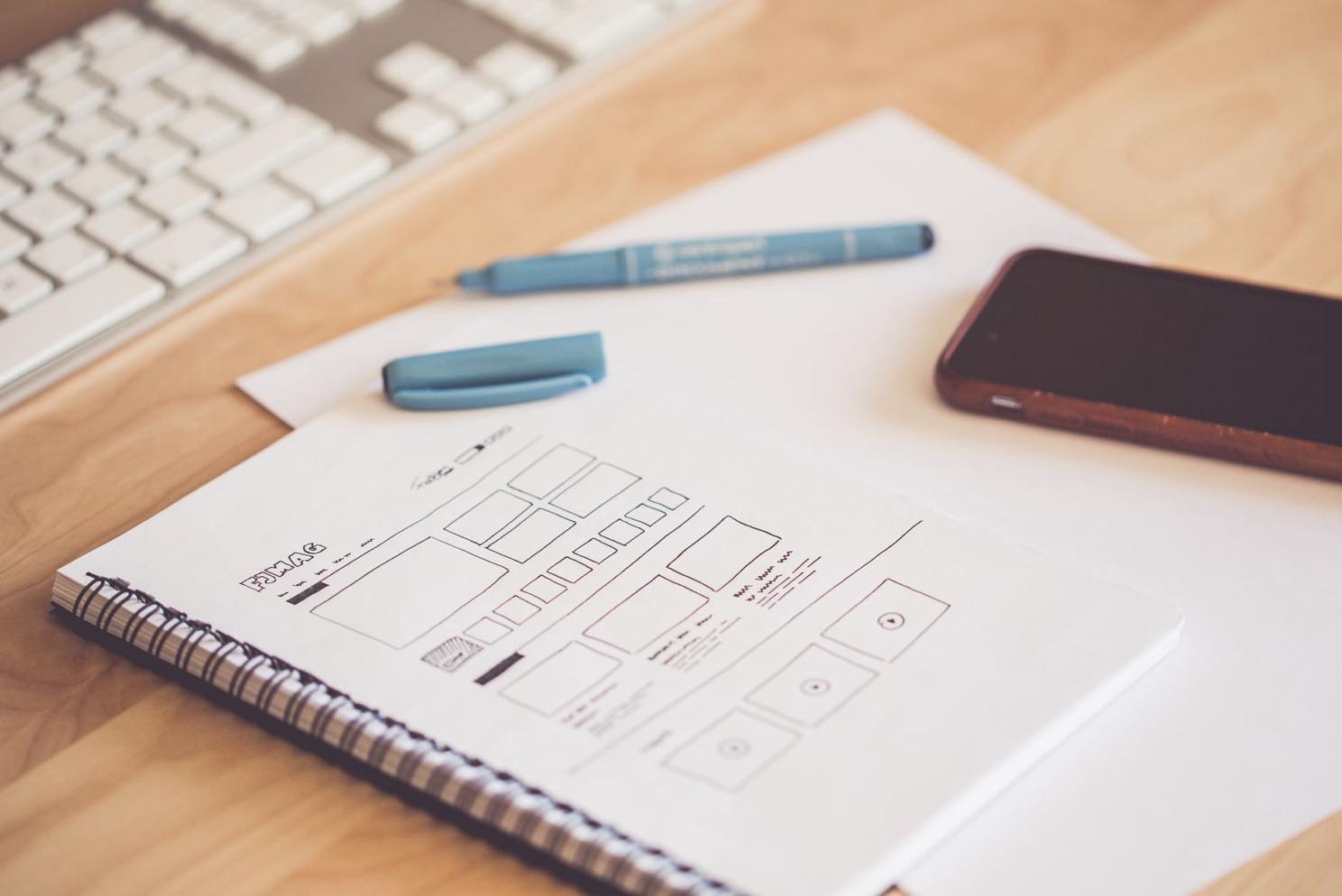
Here's a sentence I've said out loud in more client calls than I can count, usually right after someone shows me a beautiful new homepage mockup: "Cool. Who's going to see it?" [It lands about as well as you'd expect mid-meeting.] A redesign can look incredible and still be functionally invisible, and that gap is where entire marketing budgets go to die quietly.
So before we get to the checklist part, let's talk about the two ways a redesign actually fails, because it's never the fonts.
Mistake One: No Goal, Just a Vibe
Ask most business owners why they're redesigning, and the honest answer is some version of "it looks old." That's a real feeling and a terrible project brief. Is the goal to inform people? Get more paying customers? Look good enough that your competitor stops getting the "wow, nice website" comments instead of you? Pick one. Write it down. Tape it to something.
A redesign with no stated goal isn't a strategy, it's a prayer with a launch date. You're checking a box marked "website," lighting a candle, and hoping the internet notices. [It will not notice. The internet is busy.] Every design decision after that point gets made on vibes instead of evidence, which is how you end up with a gorgeous site that converts exactly as well as the ugly one it replaced.
Mistake Two: Redesigning Straight Into Invisibility
This is the one that actually keeps me up at night, and I say that as someone whose job is very specifically to prevent it. A new site gets built, it looks fantastic, everyone on the team loves it, launch day arrives, there's a group text with way too many exclamation points [we take our punctuation very seriously around here] - and three weeks later, organic traffic has quietly fallen off a cliff nobody was watching.
The data on this is not gentle. Search Engine Journal's own study of 892 site migrations found an average recovery time of 523 days to get back to pre-redesign traffic levels, and 17% of sites never fully recovered at all. Five hundred and twenty-three days. That's not a rough launch week, that's a year and a half of paying for a website that's actively worse than the one it replaced.
Website Redesign Project Plan Template
You don't need fancy project management software for this part [although if you already have one, sure, use it, I'm not the boss of your Notion workspace]. A working redesign plan needs four things on one page: the goal from Mistake One, a full list of every current URL, who owns each task, and a launch date nobody's allowed to move without telling the whole team. That's it. That's the template. Anything fancier than that is procrastination with a nicer font.
Website Relaunch vs. Website Revamp
Quick vocabulary check, because people use these words like they're interchangeable and they are extremely not. A revamp touches the surface: new visuals, updated copy, same underlying structure and URLs. A relaunch is bigger - new architecture, new URLs, sometimes a new platform entirely. A revamp rarely needs redirects. A relaunch always does. Confusing the two is how "just a little refresh" turns into an accidental SEO incident.
WordPress Website Redesign - What Changes
If you're on WordPress, the good news is most of this checklist works the same as anywhere else. The WordPress-specific traps: theme switches that silently change your URL structure, plugin conflicts that break redirects you already set up correctly, and page builders that render content in a way crawlers can't read. None of these are dealbreakers. All of them are the kind of thing that's invisible until three weeks post-launch, which is exactly the point of a checklist.
What we see in the field
Here's the pattern, almost every time: a client comes to us wanting a redesign because the site "looks old," and there's no answer yet to "what should this website actually accomplish for you." We're good at making things pretty - genuinely, that's a real part of the job - but a pretty site that never gets indexed or ranked on Google never gets seen by a single person it was built for.
So the very first question in every redesign kickoff is the goal question, before a single pixel moves. Not "what do you want it to look like," but "what is this website for." Skip that step and you've built a beautiful, expensive, completely purposeless object - a prayer with a launch date, wearing a nice new coat of paint.
None of this means redesigns are dangerous and you should never touch your site again [please keep touching your site, that's most of our business model]. It means the checklist exists for a reason, and the reason is 523 days.
If you're planning a redesign and want someone thinking about the goal and the rankings at the same time as the design, that's exactly what our Website Design & Redesign Services are built to do.